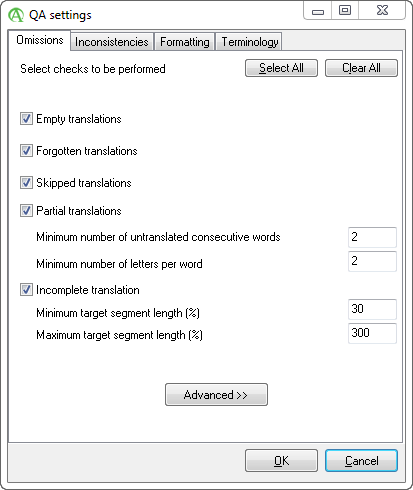
Spot missing or too short translations or left source fragments.
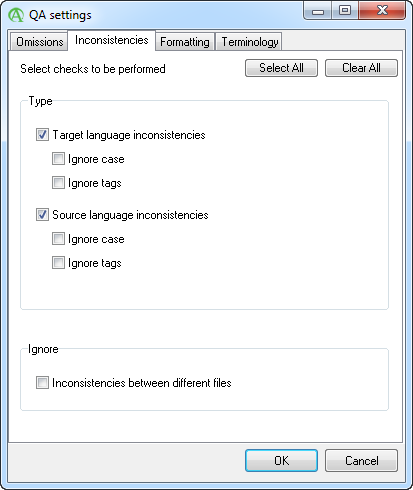
Process multiple files together and spot inconsistent translations or inconsistence source texts.
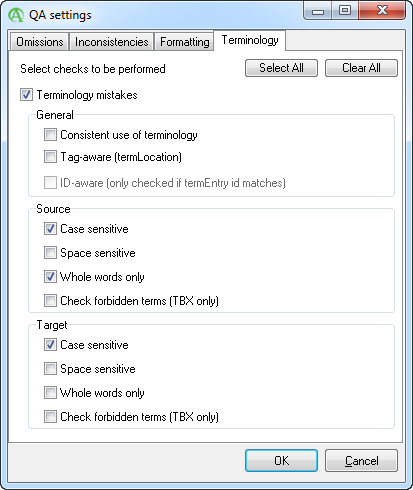
Load terminology lists and verify if the correct translations have been used for your terms.
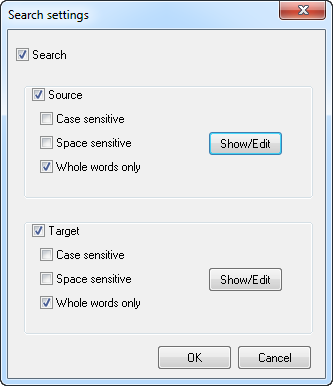
Always search for words or phrases in the source and/or target text.
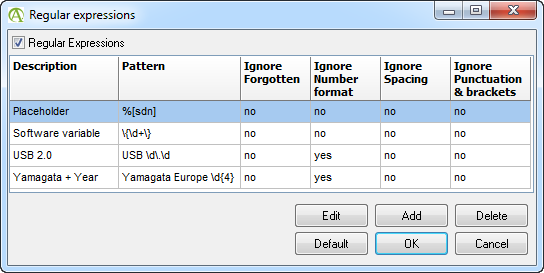
Use the power of regular expressions to create your own checking patterns or to ignore certain patterns from generating error messages.
Use the wrench icon to prevent errors from occurring in the future or embrace the power of regular expressions to exclude certain patterns from checks.
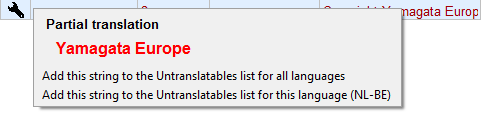
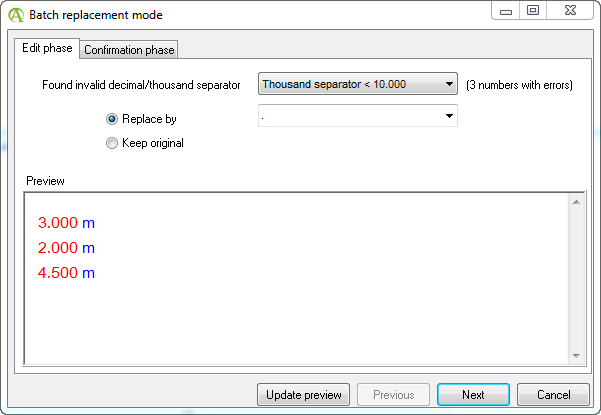
Number formatting errors and quotation mark errors can be corrected in one go. Just select the errors, right-click the wrench icon and off you go.
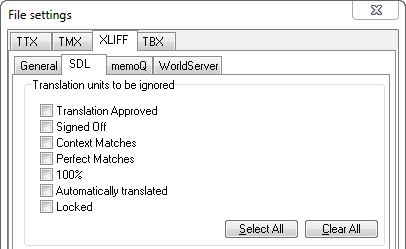
Don't want to go through context matches? No problem, just have QA Distiller ignore them.
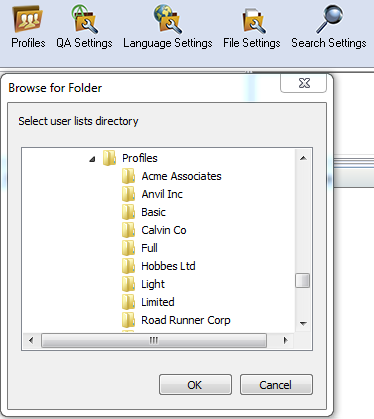
Use profiles to store all your custom QA and language settings and easily select the correct profile for the correct project. Share your profiles with your colleagues or remote workers so you use the exact same settings.
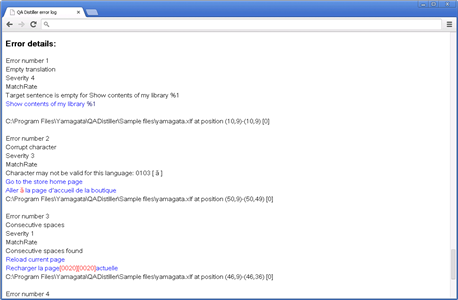
Create reports in a number of formats like HTML, XML or Excel to send them out to reviewers or management.
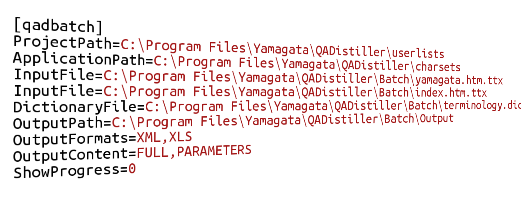
Don't want to process files via the graphical user interface? No problem, you can automate QA Distiller using the command line.
 QA Distiller
